
Turn One Video into a Week of Useful Content
A practical way to adapt one clear video into several useful pieces, with a worked weekly schedule and checks for accuracy, rights, and captions.
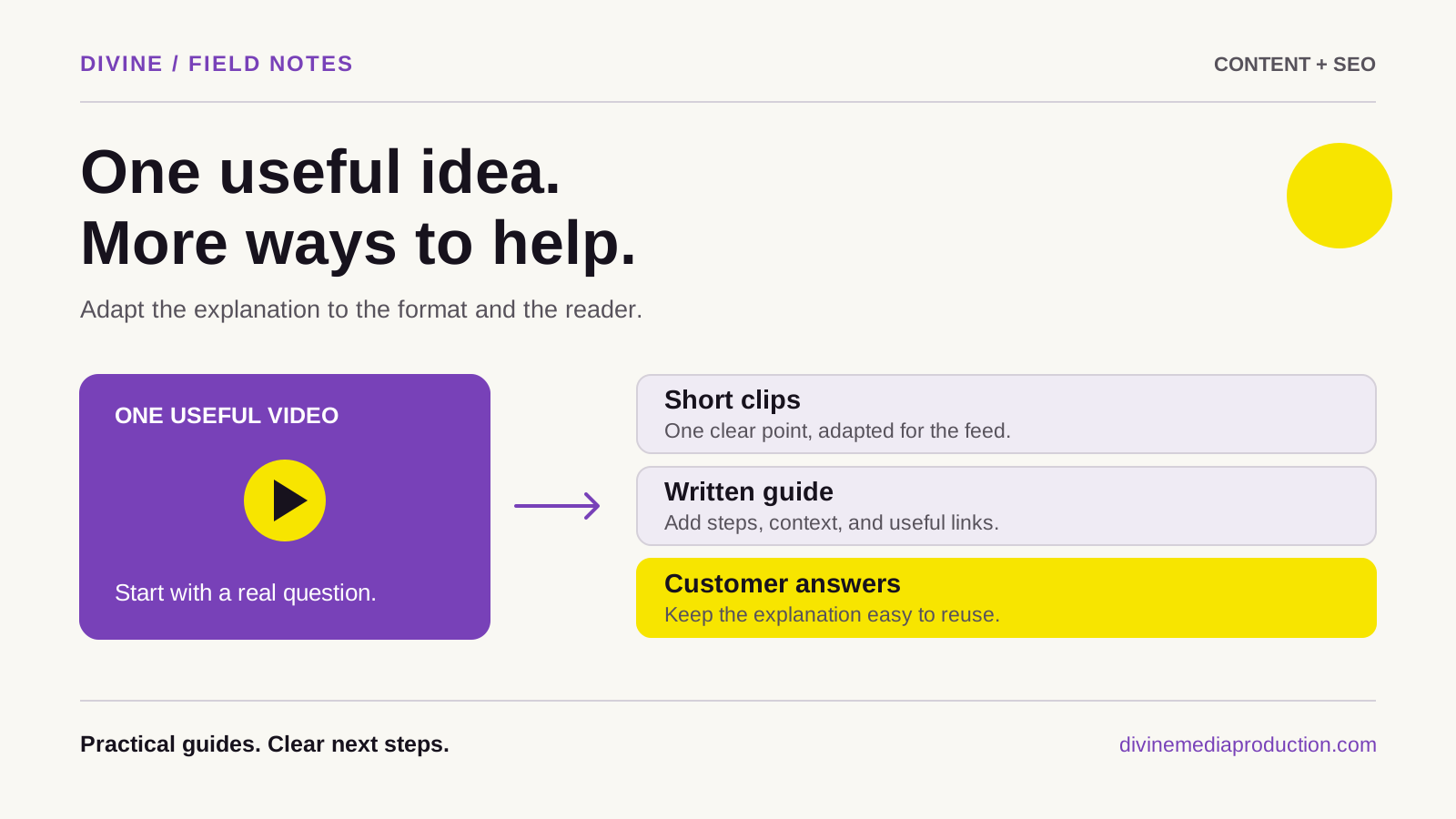
To turn one video into a week of useful content, start with a question your customers actually ask. Record a complete answer, identify the smaller decisions inside it, and give each adaptation a distinct purpose. A clip can demonstrate one step; a written guide can explain the sequence; a checklist can help someone act.
Repurposing works when the answer remains useful outside the original video. The goal is not seven nearly identical posts or a guaranteed increase in reach. It is to make good information easier to find, understand, and use in the format someone prefers.
Choose a source with real substance
A strong source video explains one meaningful problem with a beginning, a demonstration or example, and a clear conclusion. It does not need to be long. It does need enough context that you can make accurate standalone pieces from it.
Useful starting points include a preparation walkthrough, an explanation of two options, a demonstration of a common mistake, or a question an owner answers repeatedly. For a GTA service business, practical subjects such as preparing for a site visit often have more value than a generic list of industry trends.
Choose material you can explain from experience. If the original answer is vague, cutting it into smaller pieces will preserve the vagueness. Our content brief guide can help define the audience, answer, evidence, and next step before recording.
Record for the edits you will need
Outline three or four points and speak each one as a complete thought. Introduce the object or process by name instead of repeatedly saying “this.” Pause between sections. Those small choices make it easier to create clips without awkward cuts or missing explanations.
Capture useful supporting shots: hands carrying out a step, a close view of the result, and a wider view that explains the setting. Keep important action clear of the frame edges if you expect to create different crops. A close-up composed for one format may need to be filmed again for another.
Prioritize understandable speech and adequate lighting over elaborate transitions. Check a short test recording before finishing the session. A microphone brushing against clothing can create more editing work than an imperfect background.
Build an adaptation map before editing
Watch the source and list the ideas, not just the timestamps. Assign each useful idea a format and a reader action. This example uses a fictional furniture-repair studio explaining how to photograph a chair before requesting an assessment.
Scroll across to view all columns
| Source idea | Adaptation | Purpose |
|---|---|---|
| Show the whole chair and its proportions | Short demonstration clip | Help someone take a usable overview photo |
| Photograph the damaged joint clearly | Close-up clip with an explanation | Show what detail the studio needs |
| Include several views and a short description | Photo checklist | Help the customer prepare a complete request |
| A photo cannot confirm every repair issue | Written question-and-answer post | Set realistic expectations about assessment |
| The full preparation sequence | Website guide | Provide one dependable reference |
Five useful adaptations are enough for this example. Leave a weak idea unused rather than inventing another post to fill a day.
Make each clip stand on its own
Begin with the specific problem, then show the useful detail promptly. “Here is the chair joint we need to see” gives a viewer a reason to continue. A long logo introduction or a fragment such as “and the next thing” delays understanding.
Keep the qualification that makes the advice accurate. If a demonstration applies only to one material, retain that condition in the edit or caption. Do not remove a limitation just because it interrupts an attractive sound bite.
Adapt the framing and text for the destination. Check whether the object remains visible, whether interface controls cover the explanation, and whether captions can be read on a phone. Export a clean version for each use. Avoid assuming that a crop, soundtrack, or text placement that works in one app will work everywhere.
Turn the transcript into a readable guide
A transcript is a useful draft ingredient. A website article needs editing: remove verbal repetition, organize the steps, explain anything shown without narration, and add the details a reader needs when no video is playing.
For the chair example, the written guide might describe the views to provide, lighting that reveals damage, information to include, and what happens after the studio reviews the request. Add descriptive headings and an example photograph if you have permission to publish it.
Use a title that names the task. Link to the relevant service page and a clear inquiry method. Google recommends original, helpful material and descriptive organization in its SEO starter guide. A lightly edited transcript with repeated keywords is less helpful than an answer designed for reading.
Check permissions before multiplying assets
Before editing, confirm that you can use the footage, people, customer property, photographs, music, and graphics in the intended places. Keep the applicable permissions and licence terms with the project. A client approving one finished video is not a reason to assume every future use has been covered.
For music, check the actual licence for each destination and for any paid promotion. A track being available inside an app does not establish permission for every other use. YouTube's music guidance explains that its music policies do not apply outside YouTube.
Remove personal information visible on screens, paperwork, delivery labels, or location details that should remain private. It is easier to address these issues once in the source files than in every exported version.
Treat accessibility as part of the edit
Review captions against the actual recording. Pay particular attention to names, measurements, technical terms, and negatives such as “do not.” YouTube notes that automatic captions can contain errors caused by pronunciation, accents, or background noise; creators should check and correct them. Its automatic-caption guidance explains the limitations.
Keep on-screen text readable and avoid rapid flashing effects. Explain important visual information in speech or accompanying text. If the point depends on a mark on an object, identify that mark rather than expecting every viewer to notice it immediately.
Proofread the written version separately. An accurate caption track does not guarantee that headings, image descriptions, links, and downloadable checklists are also clear.
Plan a week around different reader needs
Here is a sample distribution week for the fictional studio. It is a scheduling example, not a rule about the best days to post.
- Monday: Publish the complete preparation guide on the website and send its link when customers ask what photographs are needed.
- Tuesday: Share the overview-photo clip with a caption explaining one common framing problem.
- Wednesday: Publish the close-up example, including why a clear view matters.
- Thursday: Share the checklist as a readable image sequence or text post, pointing to the full guide.
- Friday: Answer the assessment-limits question and invite a relevant follow-up.
The owner does not need to appear live each day. Prepare and review the assets together, schedule where appropriate, and reserve time to answer responses. If only three pieces are strong, spread those across the week and use the remaining time to help customers.
Review usefulness before making more
Look beyond raw views. Which clip prompted a sensible question? Did customers provide better photographs? Did the guide reduce repeated explanations? Keep a short record of those observations alongside platform reporting.
If you publish on YouTube, its audience-retention report can help identify passages people skip or replay. A replay can reflect interest or confusion, so watch the passage before deciding what it means. Compare similar formats and contexts instead of declaring a winner from one number.
Carry the useful questions into your 90-day content plan. Use the measurement guide to separate attention from inquiries and sales.
Create a small reusable production system
Keep the approved source video, clean exports, caption files, photographs, permissions, and written copy in a clearly named project folder. Record where each asset was published and when its advice should be reviewed. That makes future updates manageable.
For help turning your expertise into clear source material and intentional adaptations, explore our content creation or social media management services. You can also share the question your customers keep asking and discuss a practical first video.