
Measure Content Marketing and SEO That Bring Inquiries
Separate visibility from business results, build a small reporting sheet, and make better content decisions without pretending every sale has one clear source.
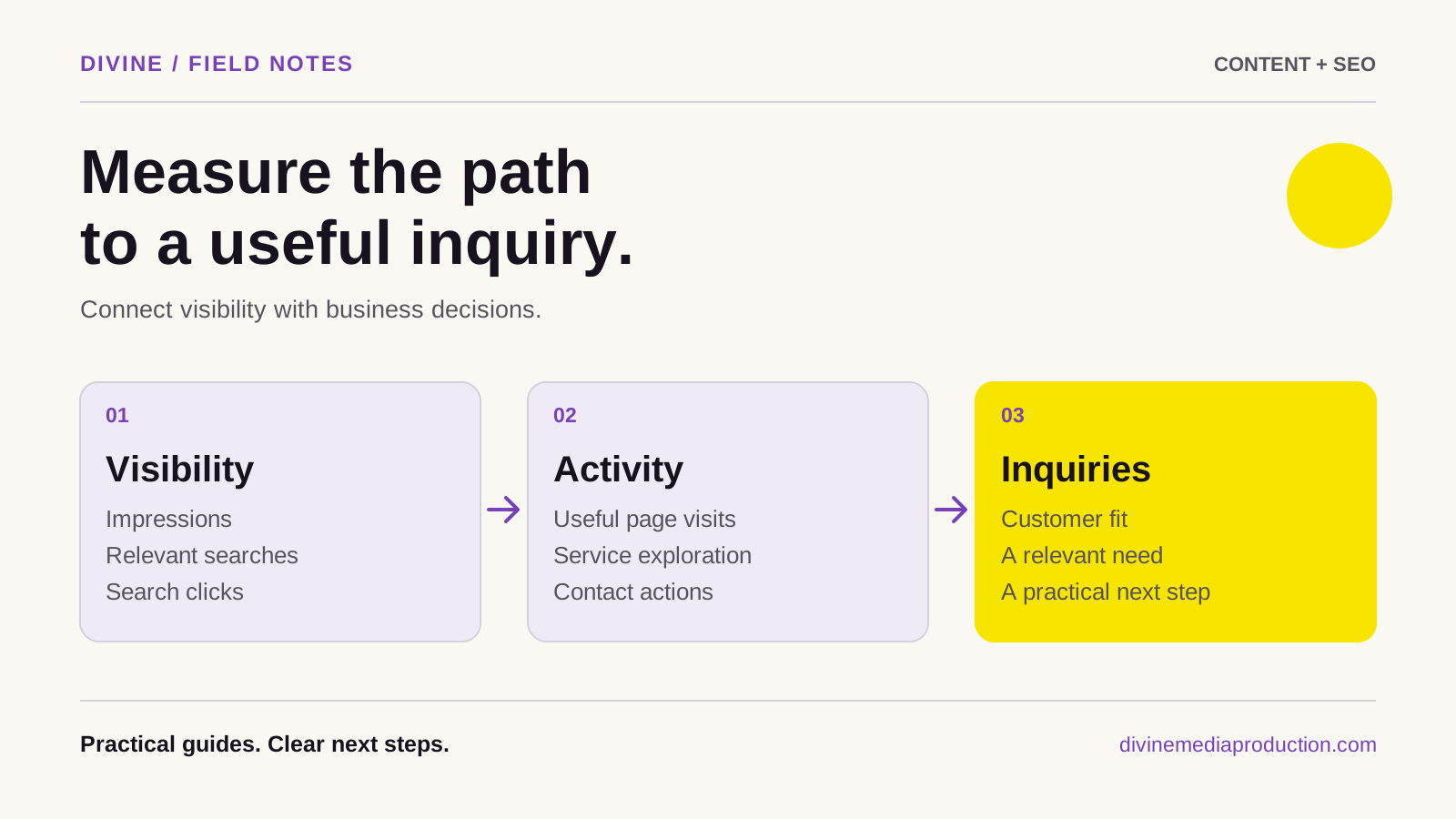
Measure content marketing and SEO by connecting three layers: how people discover you, what useful actions they take, and whether those actions become suitable inquiries or customers. Search clicks and video views describe attention. An inquiry register describes opportunities. Neither should be mistaken for the other.
Start with a few consistently defined numbers and a monthly decision. You can do this with Search Console and a spreadsheet; installing a detailed analytics platform is a separate choice. The purpose of reporting is to decide what to improve, continue, or stop.
Define a qualified inquiry before counting leads
A qualified inquiry is a real request that fits the work your business can reasonably take on. Decide what that means for you: relevant service, location, project type, timing, and any essential requirements. A Toronto production company may serve the GTA but decline a request outside its production scope even when the person is nearby.
Use a small set of statuses: new, qualified, not a fit, consultation booked, proposal sent, won, and lost. Give someone responsibility for updating them. Count people or opportunities consistently, and merge repeated messages about the same project.
Track response time separately. A good inquiry that receives a late answer can be lost for operational reasons. That should not automatically become evidence that the article or campaign attracted the wrong person.
Separate search visibility from outcomes
Google Search Console reports how your site appears and receives clicks in Google Search. Its performance guide explains the core measures:
- Impressions: Recorded appearances of a link or result, with counting details that vary by result type. They do not prove that someone carefully read your listing.
- Clicks: Recorded clicks from the Google service being reported. They are not unique customers or confirmed website inquiries.
- Click-through rate: Clicks divided by impressions. Calculate it within a comparable group of searches.
- Average position: An average search-position measure, not a fixed ranking every person sees.
Look at relevant pages and queries together. Separate searches for your business name from broader service questions where practical. A rise in branded searches after an event or recommendation can be valuable, but it does not prove that an SEO article created that demand.
Build a small monthly scorecard
Use one row per reporting period and maintain a note of what changed. Keep the same definitions from month to month.
Scroll across to view all columns
| Layer | Suggested measure | Question it helps answer |
|---|---|---|
| Discovery | Relevant search impressions and clicks | Are more suitable searches reaching our pages? |
| Content use | Useful replies, guide mentions, or measured next-step actions | Does the material help people move forward? |
| Inquiries | Unique inquiries and qualified inquiries | Are we attracting opportunities we can serve? |
| Sales | Consultations, proposals, won work | What happens after the first contact? |
| Efficiency | Production hours and response time | Can we sustain the work and follow up well? |
If you cannot reliably measure an action, leave it out for now. A blank field labelled “not measured” is more useful than a precise-looking estimate presented as fact.
Keep an inquiry register with context
Record the date, an internal inquiry identifier, requested service, qualification status, reported source, relevant content mentioned, and next step. Restrict access to customer information and keep only what you need. Your marketing report can use totals without copying message text or contact details into every worksheet.
Ask a neutral question such as “How did you first hear about us?” and allow a short answer. Someone might say a colleague recommended you, then describe a video that helped them decide. Preserve both observations instead of forcing the person into one channel.
Use “unknown” when the source is unknown. A direct email does not tell you how the sender first found your business, and a form submission does not establish that search was responsible.
Add analytics only when it serves a question
Google Analytics 4 can provide website behaviour and campaign reporting when it is deliberately installed and configured. It is not a prerequisite for the basic scorecard above. Choose it because you need a specific view of the customer journey, and consider the associated privacy and consent requirements.
If you use GA4, define an event for a successfully accepted inquiry and consider marking it as a key event. Google describes key events as actions important to a business in its key-event documentation. A click on “Send” is insufficient: validation may fail or the request may never be accepted.
Keep successful website receipt separate from email delivery, lead qualification, and a completed sale. Test the measurement using a clearly identified test inquiry, exclude that record from business reporting, and confirm repeat attempts do not inflate your lead count. Do not send customer names, email addresses, or inquiry text in analytics event parameters.
Label distribution links consistently
If you use campaign tracking, adopt a short naming convention before sharing links. For example, a newsletter link could use utm_source=customer_newsletter, utm_medium=email, and utm_campaign=consultation_preparation. These describe the source, channel, and initiative, without identifying an individual recipient.
Google's campaign URL guidance explains how UTM parameters populate reporting. Keep spelling and capitalization consistent. Maintain a small link register so two colleagues do not name the same campaign differently.
Campaign labels help only where the tracking is collected and retained appropriately. They cannot identify a person who watches a video, later searches your name on another device, and sends an email. Do not promise complete attribution from a tagged link.
Worked example: more attention, fewer suitable requests
Imagine a fictional GTA design studio comparing two equal four-week periods. In the first, its service-related pages record 800 search impressions and 40 clicks. In the second, they record 1,200 impressions and 48 clicks. Click-through rate moves from 5% to 4% while clicks increase.
That is not automatically a decline. The pages may have appeared for a broader mix of questions. Inspect the queries and landing pages before changing a title. If the new impressions concern work the studio does not provide, clarify the page rather than trying to attract more of those clicks.
The studio's separate inquiry register shows eight requests in the first period, six qualified, and ten in the second, four qualified. These totals include all channels. Without reliable source information, dividing those inquiries by Search Console clicks would produce a misleading “SEO conversion rate.” The numerator and denominator describe different groups.
The practical next step is to review the unsuitable requests and the pages they mention. Perhaps an example accidentally implies that the studio provides construction services. Correct that explanation, note the change, and review subsequent inquiries. These numbers illustrate a decision process; they are not a client result or a benchmark.
Understand attribution limits
Buying decisions often involve several encounters: a recommendation, a social post, a search, and a later conversation. Attribution models allocate credit using the information and rules available to them. They do not reconstruct every influence on a person's decision.
GA4 reporting depends partly on the selected attribution model and lookback window. Google also explains that some key events can be modelled when direct observation is unavailable. Treat an attributed channel as reporting evidence, not unquestionable proof of causation. See attribution settings and modelled key events.
Seasonality, advertising, referrals, changing offers, and response quality can also affect results. Compare equivalent periods, label unusual activity, and avoid drawing a strong conclusion from a handful of inquiries.
End each review with one decision
Choose a concrete action: clarify a service boundary, improve a frequently used guide, test a more descriptive title, or make the inquiry path easier. Record the reasoning and the next review date. If you change several things at once, acknowledge that you will have less certainty about which change mattered.
Connect the review to a realistic 90-day content plan and improve existing material before adding topics without a purpose. Our content and SEO checklist can structure an initial review. For help connecting useful content with search visibility, explore SEO and AEO services or discuss the business question you need your reporting to answer.