
Local Service Page SEO: A Practical Guide
Build service pages that help local customers decide, with clear scope, genuine evidence, truthful coverage, and a practical page structure.
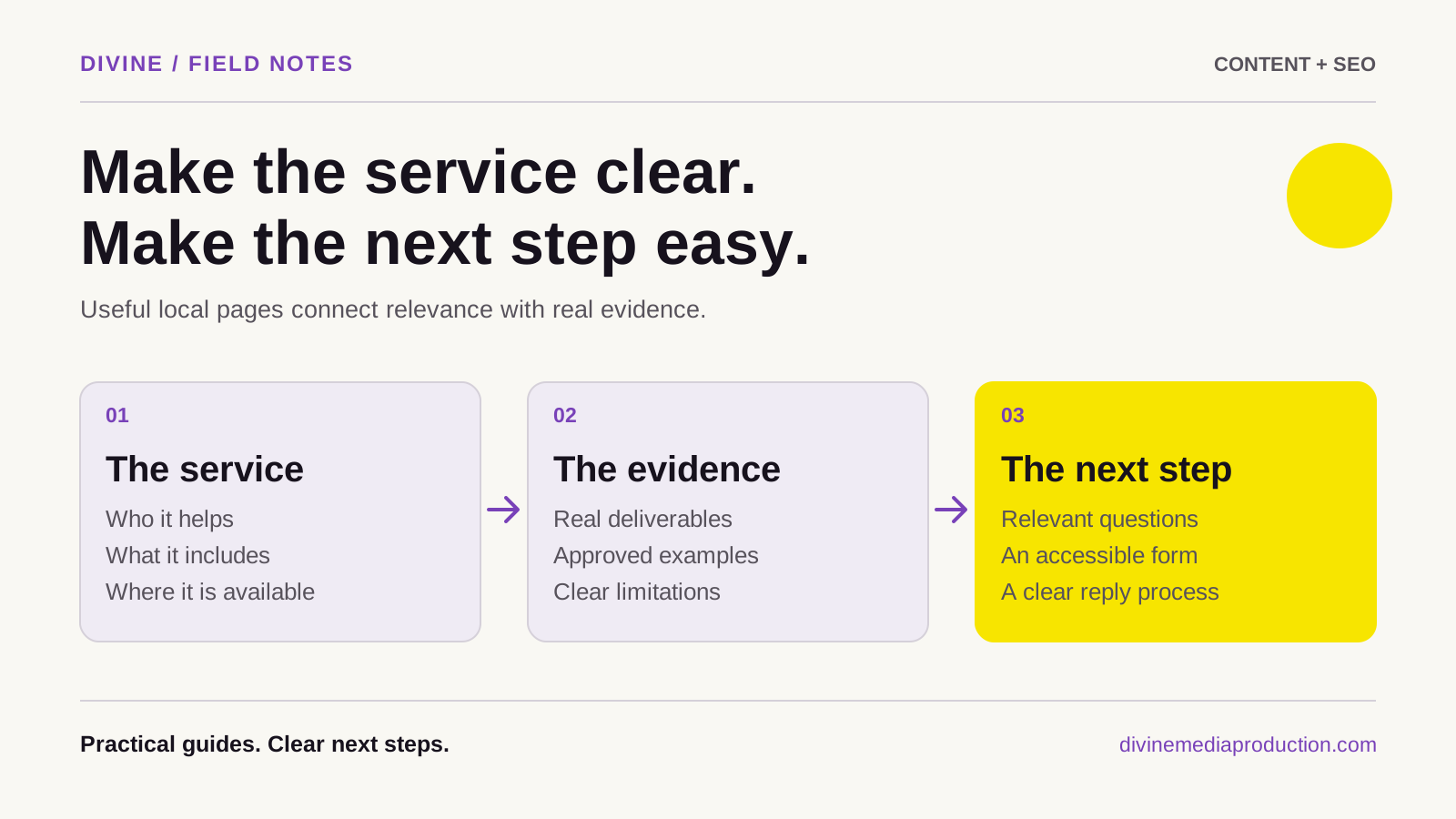
A useful local service page answers five questions: what you do, who it is for, where you provide it, why a customer should trust you, and how to take the next step. Local service page SEO starts with making those answers clear and accessible. Adding a city name to a generic page does not supply the missing information.
For a Toronto or GTA business, the challenge is often deciding which services and locations deserve their own pages. Start with the offer and the evidence you can provide. Let the page structure follow real differences in customer needs and service delivery.
Decide which service needs its own page
A separate page makes sense when a service has a distinct buyer, process, scope, or set of questions. A window-cleaning company might separate commercial work from residential work because building access, scheduling, estimating, and purchasing decisions differ.
Do not create a separate page for every wording variation. “Office window cleaning” and “commercial office window cleaning” may describe the same offer. One clear page can cover natural variations without forcing customers to choose between near-identical navigation items.
Write a one-sentence purpose before building: “Help a property manager decide whether our commercial window-cleaning service fits their building and request an appropriate assessment.” If two proposed pages have the same purpose and require the same information, consider combining them. A short content brief can document the decision before design or copywriting begins.
Build the page around a buying decision
Open with the service and its limits
Use a clear heading, then explain the service in ordinary language. Identify the customer, property, or situation it suits. State meaningful boundaries early: whether you handle recurring work, one-time projects, particular building types, or only certain service areas. Specific limits help unsuitable visitors avoid a wasted inquiry.
Explain what the customer receives
Describe the deliverables, not just qualities such as “premium” or “professional.” Explain what an assessment covers, what is included in a quote, and which options depend on the job. If pricing cannot be published responsibly, explain what determines it and what information is needed to estimate.
Show how the work progresses
Walk through the steps from inquiry to completion. Include what the customer must provide and what your team confirms. Avoid promising universal turnaround times if access, scope, or availability can change them.
Make the next step specific
“Request a building assessment” communicates more than a vague button. Place a clear action near the opening and again after the decision-making information. Ask for enough detail to respond usefully, while avoiding a form that demands information the customer cannot yet know.
Use evidence that belongs to this service
General claims about your company can support an introduction, but the main evidence should relate to the work on this page. Choose material that answers a buyer's uncertainty:
- Original photographs showing the relevant work, with permission and useful captions.
- A project explanation covering the customer's need, your scope, and the work delivered.
- A sample deliverable or anonymized process document you are allowed to share.
- An accurately quoted, approved testimonial relevant to this service.
- Current credentials or coverage details that you can substantiate.
Do not turn an attractive stock photograph into implied project evidence. Label an illustration as an illustration. If a client cannot be named, explain the work at a level they have approved without inventing identifying details or numerical results.
When evidence is missing, improve the page with a concrete process explanation and collect suitable material during future work. Our content creation service can help plan the photography and explanations needed for that purpose.
Describe location coverage truthfully
Distinguish where your business is based from where it travels. A company based in Vaughan may serve selected Toronto properties without having a Toronto office. Say that directly. Explain genuine operational details: areas covered, site-access requirements, travel arrangements, and how customers can confirm that an address is within range.
Location details are useful when they change a customer's decision. A requirement to coordinate loading access or confirm a building's permitted work hours belongs on the page if it reflects your actual process. A paragraph naming familiar landmarks without connecting them to the service usually adds little.
Keep website information consistent with the real business. Google has separate Business Profile representation guidelines; a service-area page does not establish an eligible office. Do not invent branch addresses to make coverage appear broader.
Also separate website visibility from Maps performance. Google describes local results in terms of relevance, distance, and prominence in its local ranking guidance. Publishing a page about another city does not move your business closer to a searcher.
Avoid city pages that function as doorways
Google's doorway-abuse policy describes pages made for similar searches that lead people through less useful intermediate destinations. Its examples include regional pages that funnel users to one page and substantially similar pages outside a clear browsing structure.
This is not a reason to avoid every location page. It is a reason to ask whether each page has a useful job of its own. A genuine location may have different opening hours, staff, access instructions, or services. A service-area page may explain distinct delivery arrangements and show relevant, approved work.
Use this editorial test: remove the city name and ask whether anything important changes. If only the heading changes, one stronger service page with an accurate coverage section may serve customers better. This test is a planning tool, not Google's formal definition or a guarantee of compliance.
Do not write unsupported local details merely to make pages different. Useful distinctions must come from the business, not from a requirement to fill another URL.
Worked example: a commercial service page
Consider a fictional company based in Vaughan that cleans windows for selected commercial properties. The outline below is illustrative; its claims would need to be replaced with the company's verified scope and evidence before publication.
Scroll across to view all columns
| Page section | Information to gather |
|---|---|
| Service introduction | The property types served, actual coverage, and whether recurring or one-time work is available. |
| Scope | Which surfaces and access conditions are included, and which require a separate assessment. |
| Estimating | The building details needed to quote accurately, without publishing an invented standard price. |
| Scheduling | How access, tenant needs, weather, and building requirements are confirmed. |
| Evidence | An approved project photo and explanation that accurately identify the work performed. |
| Inquiry | A request for the building location, approximate scope, and preferred contact method. |
This page does not need several paragraphs saying that Vaughan is a growing city. It needs to help a property manager understand the service and prepare a useful inquiry. If the company later opens a staffed second location with different operations, it can reassess whether that location warrants its own page.
Connect clear copy with a usable website
Give the page a descriptive title and one clear main heading. Use section headings for customer questions rather than repeating the service-and-city phrase everywhere. Choose a stable, readable URL; if an existing URL already works, assess the consequences before changing it.
Link to the service from relevant navigation, related articles, and genuine project pages. Google's link guidance recommends crawlable links with useful anchor text. A link called “commercial window-cleaning service” gives a clearer destination than “learn more.”
Check the page on a phone: can someone read the scope, inspect evidence, and use the inquiry form without losing their place? A sound website design supports the decision the copy is trying to explain. Use the Toronto content and SEO checklist for a broader review beyond this page's structure.
Review results and improve the right section
After publication, look at the questions that lead to the page and the quality of the resulting inquiries. Track whether visitors understand the scope, submit usable details, and fit your service area. Search visibility is useful context, but a larger number of unsuitable leads may reveal unclear copy.
Use your observations to choose the next revision. Repeated pricing questions may justify a better estimating explanation. Out-of-area inquiries may mean the coverage section needs more prominence. Follow a consistent content and SEO measurement process rather than rewriting the page after every short-term fluctuation.
If you need help deciding which pages to build or consolidate, our SEO and AEO service can support the plan. Tell us about your services and actual coverage so the site can reflect how your business works.